🎮 W A S D — move ⬆️ Space — jump ⬇️ Shift — sneak ⚡ Caps Lock — sprint 🖱️ Mouse — control the camera ⛏️ Left mouse button — break blocks / attack 🧱 Right mouse button — place blocks / use items 🎒 E — open inventory 🔢 1-9 — select a hotbar item 🗑️ Q — drop the selected item 🛡️ F — move an item to the off-hand 💬 T — open chat 👥 Tab — view the player list 👁️ R — change camera view ⏸️ Esc — open the pause menu / release the cursor 🖱️ Click on the screen — start controlling your character 📱 Mobile: 🕹️ Left joystick / movement area — move 👆 Swipe on the right side of the screen — turn the camera 👆 Tap the screen — interact with blocks ✊ Hold on the screen — break blocks / attack ⚙️ Action button — jump or use an item depending on the situation ⬇️ Double-tap the movement area — sneak 🎒 Inventory button — open inventory 🔢 Tap hotbar slots — switch item ⏸️ Menu button — open the pause menu
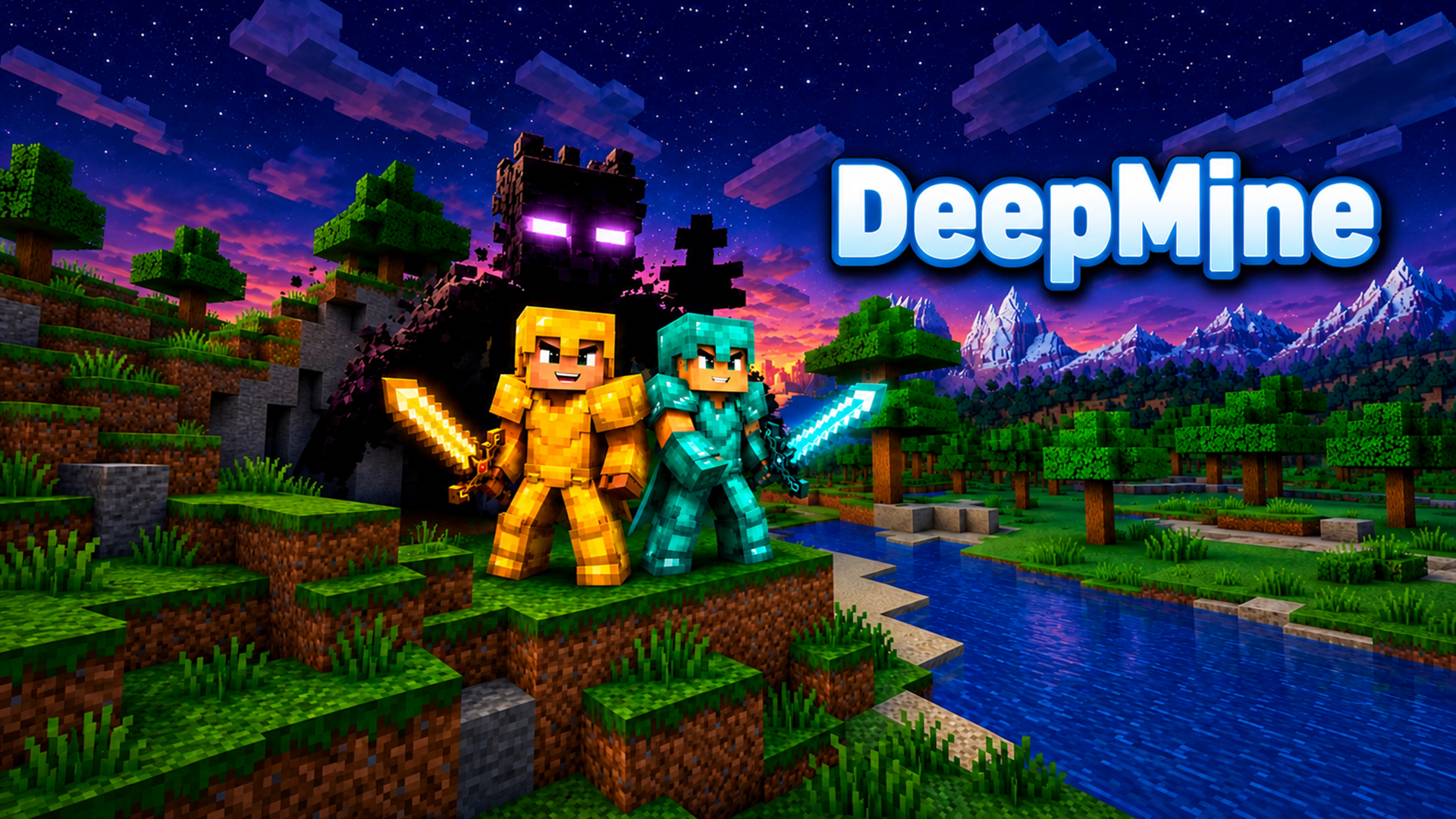
DeepMine is a large-scale 3D sandbox where players explore a living block-based world and choose their own playstyle. The game blends the familiar freedom of Minecraft with the energy of Roblox, while adding its own mechanics, quests, and discoveries that make every session feel like a new adventure. 🌍 Explore different biomes, discover new places, and interact with the environment. ⛏️ Gather resources, collect items, and craft tools and equipment. 🧱 Build houses, bases, and your own structures while gradually developing your world. ⚙️ The game combines open-world exploration, building, survival, and clear progression through resources, inventory, and crafting. 🎮 DeepMine is made for players who enjoy freedom, creativity, long play sessions, and steady world-driven progression.
Tags: None

